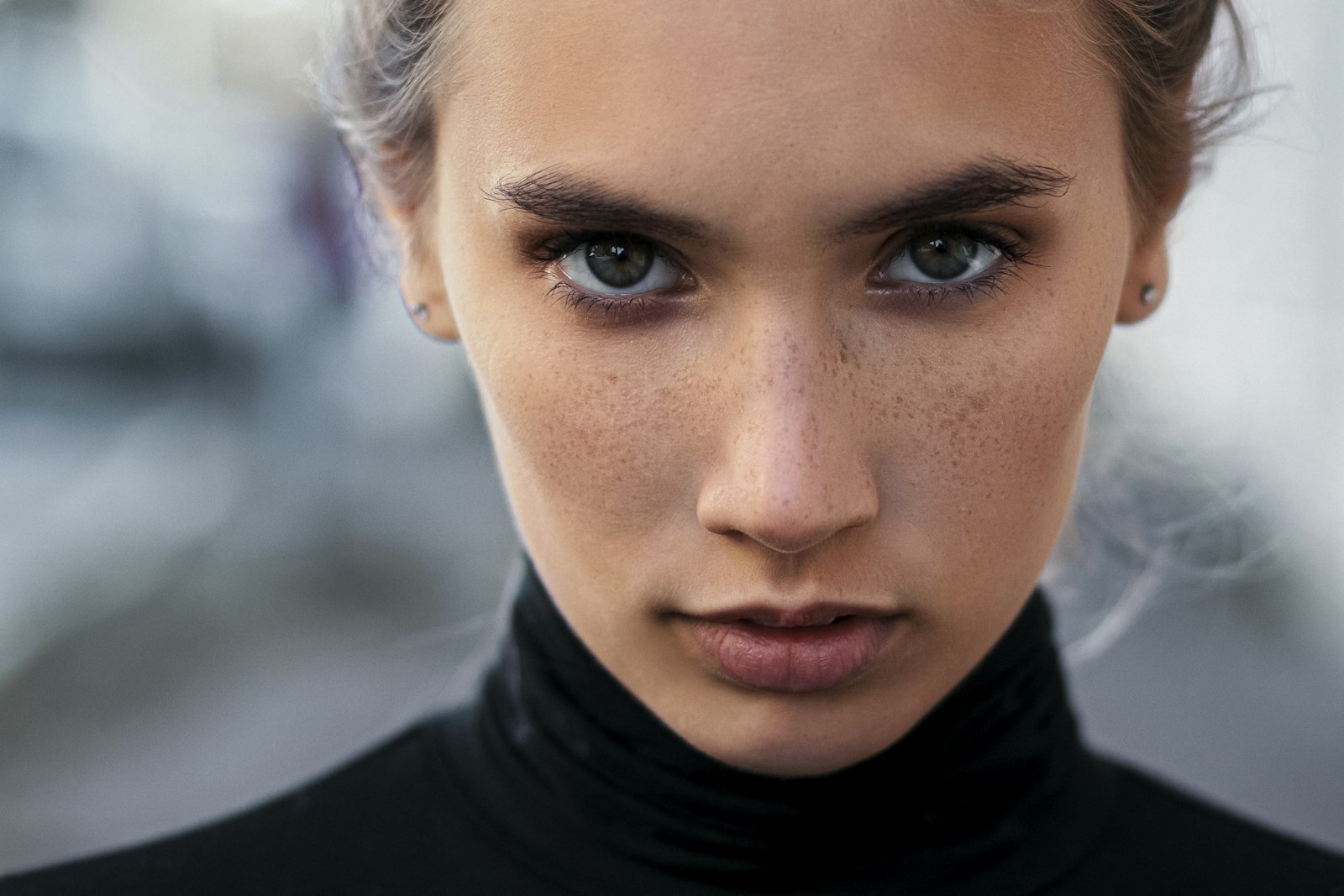
To find out who a model in a photo is, run the image through a reverse image search or a face-matching tool, then confirm the result against a known model profile. For a fashion or commercial model specifically, the fastest route is a purpose-built model search that matches the face against a catalogue of models — which is exactly what GetModel's photo search does. Below is the full method: the three ways that actually work, a step-by-step process, what to do when a plain image search comes up empty, and how to be sure the identity you land on is genuine rather than a fake or an AI-generated face.
The three ways to identify a model from a photo
There are three approaches, from the most general to the most precise. Most identifications use them in combination.
- General reverse image search. Your browser's or search engine's reverse-image feature scans the web for pages using the same or a visually similar picture. It works best when the exact photo has already been published with a caption — an editorial, a brand campaign, an agency page. Drop the image into the image-search bar and read the captions on the matching results.
- Face-matching against a model catalogue. A general search looks for the same image; a face search looks for the same person, even in a completely different photo. GetModel's photo search matches a face against our directory of model profiles, so a picture that has never appeared online before can still return a name. This is the model-specific option, built for exactly this question.
- Context and cross-referencing. The clues around the photo — a photographer credit, a brand handle, a hashtag, a runway show and season — often name the model faster than the face alone. Once you have a candidate, confirm it against a second source such as our top model rankings or an agency roster.
Step by step: from one photo to a name
A reliable sequence, quickest wins first:
- Prepare the image. Save the clearest version you have and crop tightly to the face. Remove overlaid text, stickers or logos — they throw off both image and face search.
- Run a reverse image search first. If the photo has already been published anywhere, this is the fastest path to a caption with a name. Read the pages that use the same image, not just the thumbnails.
- Switch to a face search if that fails. When the exact file isn't indexed, match the face instead of the image. GetModel's photo search compares facial features against model profiles, so a new or edited photo of the same person can still resolve to a name.
- Read the context. Note the photographer credit, the brand or magazine, the hashtag, and — for runway shots — the show and season. A single credit tag often leads straight to the model's agency page.
- Confirm against a second source. Never trust a single unlabeled match. Verify the name against the model's agency page, a verified profile, or a ranking before you treat it as fact.
When reverse image search comes up empty
Plenty of photos never resolve on a plain image search: a brand-new face with almost no web presence, a heavily retouched editorial, a screenshot that social apps have re-compressed, or a private photo that was never indexed. When that happens, change your approach rather than your query. Move from image-matching to face-matching, which compares facial geometry rather than the exact file. Widen the crop to include identifiable context — a logo, a runway backdrop, a recognisable location. And lean on the credits: a photographer, stylist or casting-director tag frequently identifies the model faster than the face itself.
How to verify a model's identity is genuine
Identifying a face is only half the job — for anyone booking talent, the other half is confirming that the person is who the photo claims. This matters most to photographers, brands and clients arranging a shoot, where impersonation and "catfish" profiles are a real risk.
Cross-check three things: whether the same face appears consistently across several shoots and dates, whether an agency or verified profile backs the identity, and whether the name survives a second search independently. Treat these as red flags: only a single photo of the person exists anywhere; a reverse search leads nowhere at all; or a "model" pushes to move the conversation off-platform and asks for deposits or travel money before any verifiable booking. Genuine professional models are almost always traceable to an agency, a portfolio, or a public body of work.
Spotting AI-generated or fake model photos
A growing share of fake "model" profiles use AI-generated faces, which no reverse image search will resolve because the person does not exist. The tells are consistent once you know them: mismatched or melting earrings and jewellery, warped or repeating backgrounds, teeth and hands that don't quite parse, skin that is unnaturally flawless with no pores, lighting that disagrees between the face and the scene, and any garbled text on clothing or signage. Individually these can be artefacts of heavy retouching; together, on a portfolio that also fails every reverse and face search, they point to a synthetic image. When in doubt, ask for a short live video or a second candid photo — AI portfolios rarely hold up across angles.
For models: make yourself easy to identify
Everything above has a flip side. If you model, you want the answer to "who is this?" to be you — a link to your name, stats and portfolio, not a dead end that sends a casting director elsewhere. You make that happen by being findable: publish a consistent set of clear, well-lit photos, keep your name attached to your images, and list yourself in directories that people actually search. Create a free GetModel profile, add your measurements and best shots, and a single photo of you can lead brands, agencies and casting directors straight to you instead of into a search that goes nowhere.
Frequently Asked Questions
Who is this model — how do I find out from a photo?
Start with a reverse image search to see if the exact photo is published anywhere with a caption. If that fails, use a face-matching model search such as GetModel's photo search, which compares the face against model profiles and can return a name even from a new photo. Confirm the result against a second source before treating it as certain.
How do I find a model by photo?
Crop the image to the face, run a reverse image search first, and if nothing useful comes back, match the face against a model catalogue with a tool built for it. Then use the surrounding context — credits, brand tags, runway season — to confirm the identity.
Can you find a model's name from a single picture?
Often, yes — if the model has a web or agency presence. A face search can match a single picture to an existing profile even when that exact image has never been published. Brand-new faces with no online footprint are the hardest and may not resolve at all.
How do I check whether a model is real and not a fake profile?
Verify that the same face appears across several dated shoots, that an agency or verified profile backs the identity, and that the name holds up in an independent search. Be wary if only one photo exists, if searches lead nowhere, or if the account requests deposits before any verifiable booking.
What is the best way to identify a runway or campaign model?
Use the show or campaign credits first — season, brand and casting are usually documented. Combine that with a face search and cross-check the candidate against model rankings and agency rosters to be sure.
Identify a model now. Have a photo and need a name? Run it through GetModel's photo search to match the face against our model directory, then browse our top model rankings and agency directory to confirm. And if you're a model yourself, make sure a photo of you always leads back to you: create a free GetModel profile, add your photos and stats, and become findable to the agencies, casting directors and brands who search by image. Questions? Email [email protected].